
When adding an image to a label, you don’t have to supply your own file — you can search a library of free-to-use clipart and illustrations directly from the image picker.
Searching for Clipart
Open the image picker — for example, from the Image shape’s Select button in the Label Designer, or the Select Image dialog in the File Library — and switch to the Clipart tab. Type a search term and browse the results.
Inserting a Clipart Image
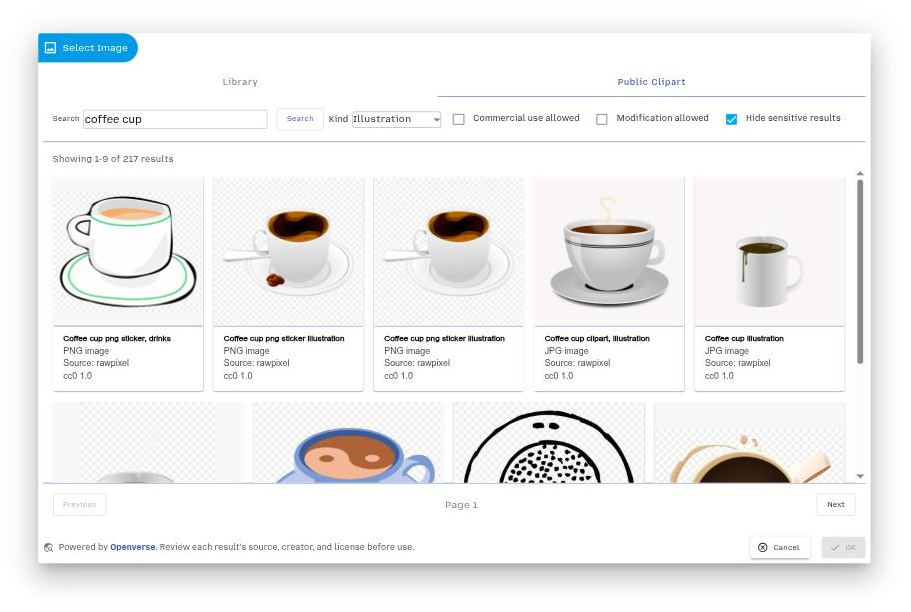
Click a result to select it. The image is added to your label design, and a copy is also saved to your File Library so you can reuse it on other labels later.
Licensing
Clipart results are sourced from Openverse, which aggregates openly licensed and public domain images from a range of providers. Check the licence shown against each image before using it outside barxui — some images require attribution to the original creator.