
Addons extend the functionality of barxui with integrations to a number of other systems. The functions offered by each AddOn, and the available Addons themselves, depend on the specific features of the system being integrated but also on the requirements of our customers. If there is something you need to integrate with, please talk to us – we can probably help!
Multiple instances of the same AddOn can be configured if required. For example, if you have several organisations in Xero you can connect to each of these.
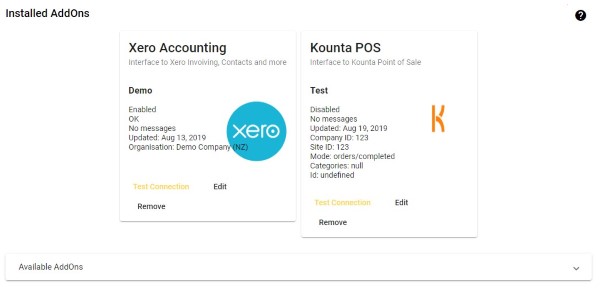
Xero Accounting
The Xero AddOn allows users to import Contact, Invoices and Items (inventory) from a single Xero organisation.
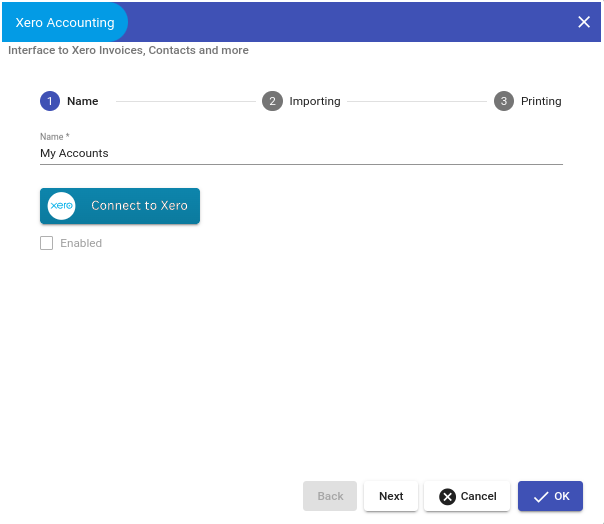
The Xero AddOn configuration options are as follows.
Name
Enter a unique name for this AddOn connection to Xero.
Connect to a Xero organisation by clicking the Connect to Xero button.
Enable or disable the AddOn.
Importing
Select the mode for importing each of the supported data tables.
Note:
Tables can currently only be imported manually. The automatic option may be available in the future.
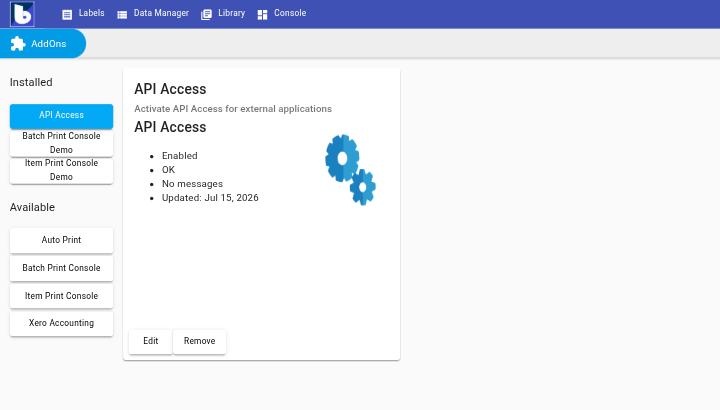
Auto Print
Automatically print a label whenever data is added, updated, or deleted in a connected table.
Requires a barxui Agent — install and connect one from Settings → Agents & Printers first.
Currently only supports data changes synced via a barxui Agent (not manual edits in Data Manager or uploads).
Batch Print Console
A simple console to capture barcode scans and print a batch of labels in one go. See Consoles for full setup and usage details.
Item Print Console
A simple console to search for an item and print its label, with support for a configurable data source and multiple label designs. See Consoles for full setup and usage details.